
- Select an enrichment model
- Run enrichment to generate new metadata for your dataset
Verify Dataset is Ready
To ensure your dataset is ready for enrichment:- Navigate to the Dataset View and confirm the status is READY.
- Alternatively, check the dataset status in the Dataset Inventory.
Step 1: Select Models
1
Open the Enrich Tab
Go to your dataset and click the Enrich tab.
2
Choose a Model
Select a model from the list and click Generate Models Preview.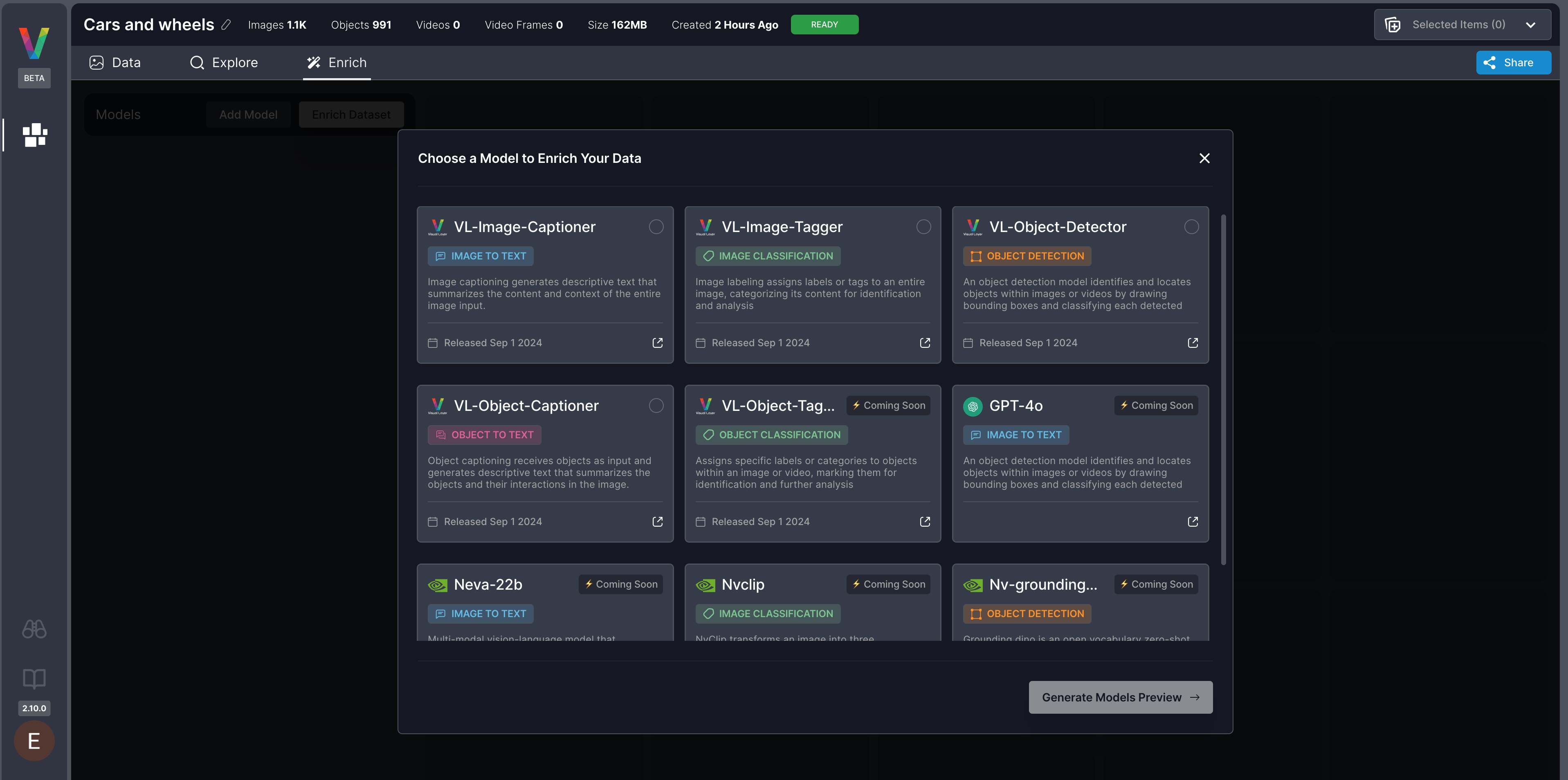
3
(Optional) Add More Models
Click Add Models to include additional enrichment models.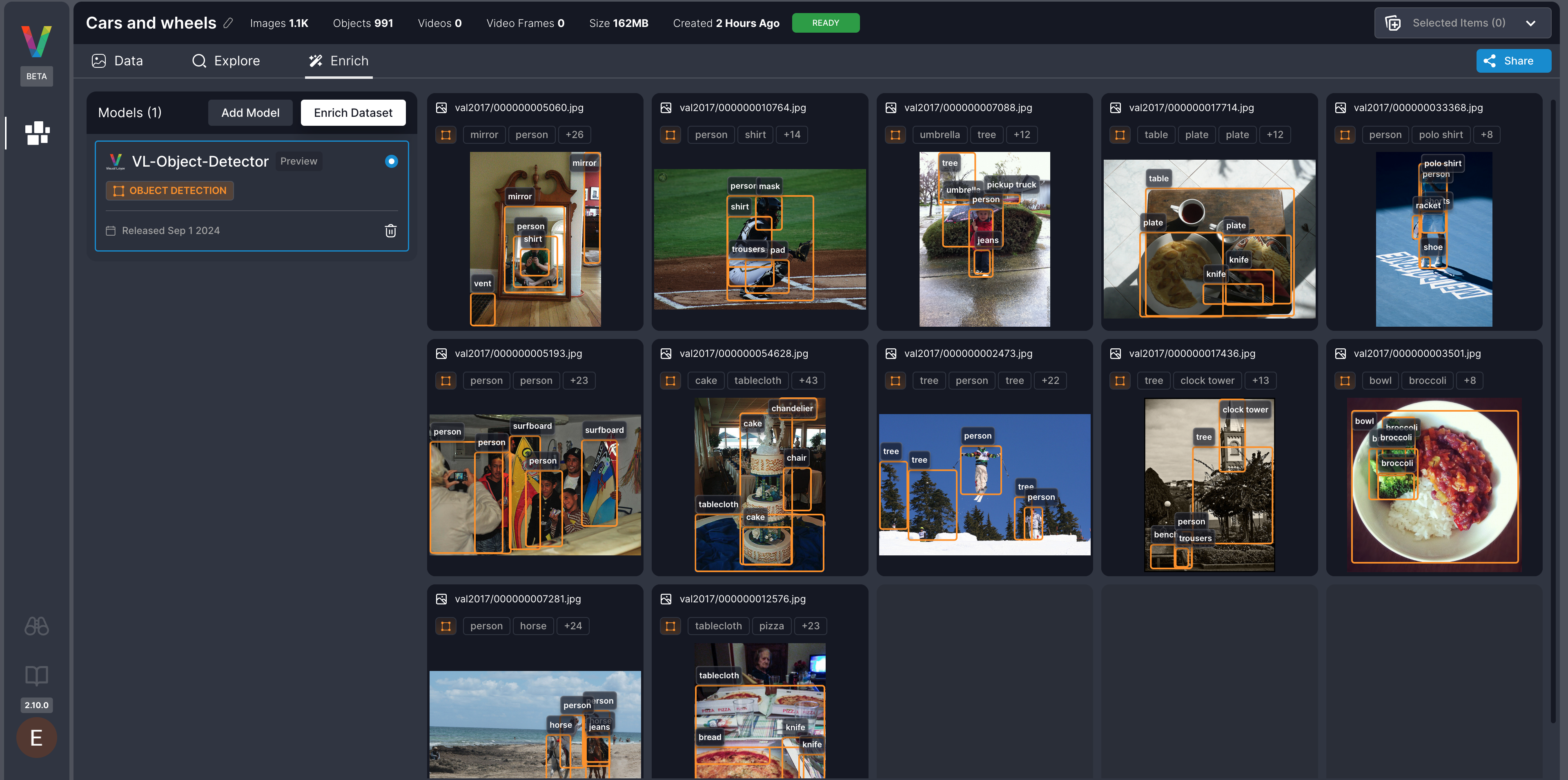
4
Preview Model Outputs
Switch between selected models to preview their metadata output before enrichment.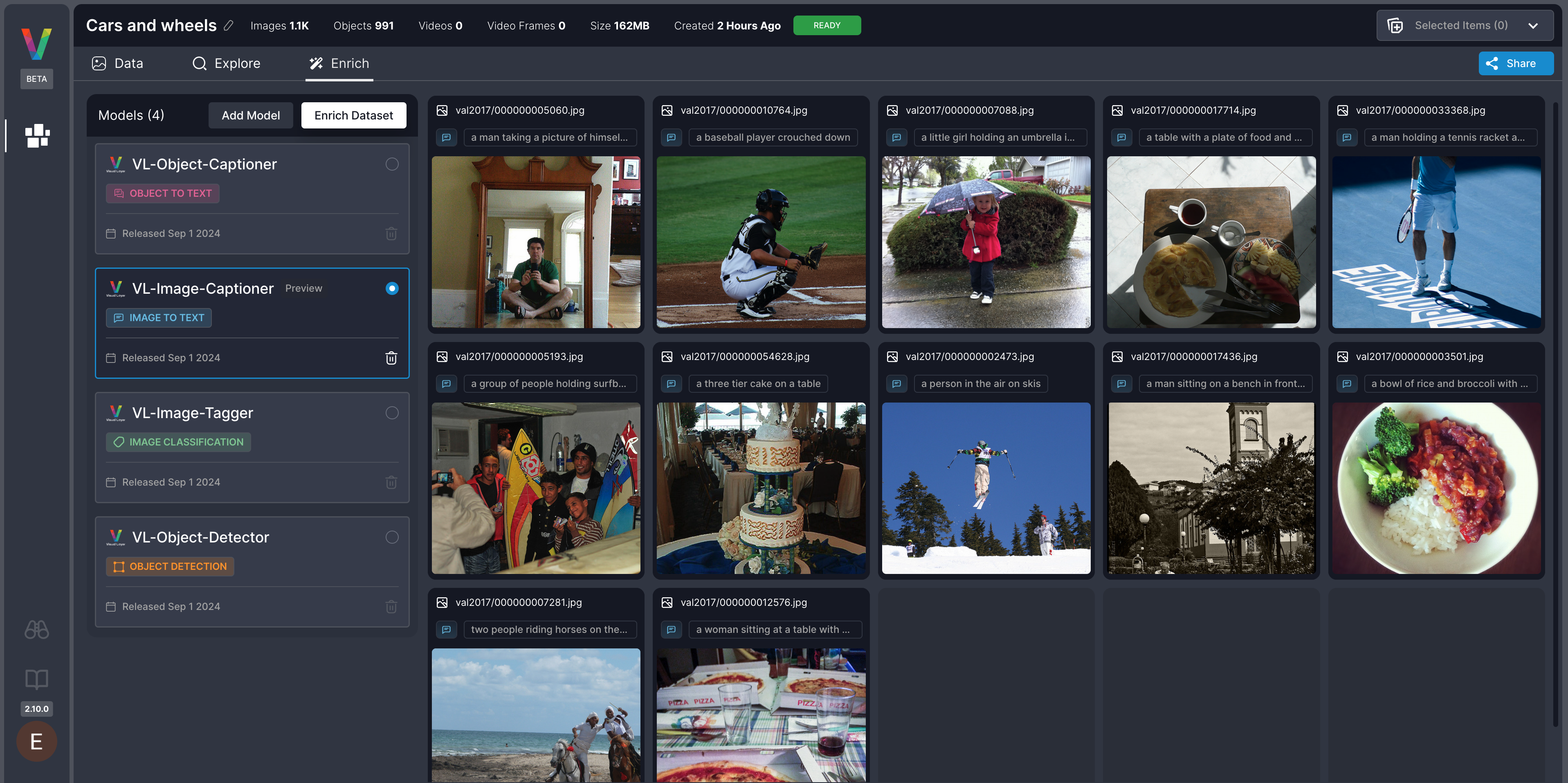
Step 2: Enrich the Dataset
1
Start Enrichment
Click Enrich Dataset to run all selected models on the dataset.
- All images or frames will be enriched.
- Processing time varies based on dataset size.
2
Track Progress
You can monitor enrichment status in either location: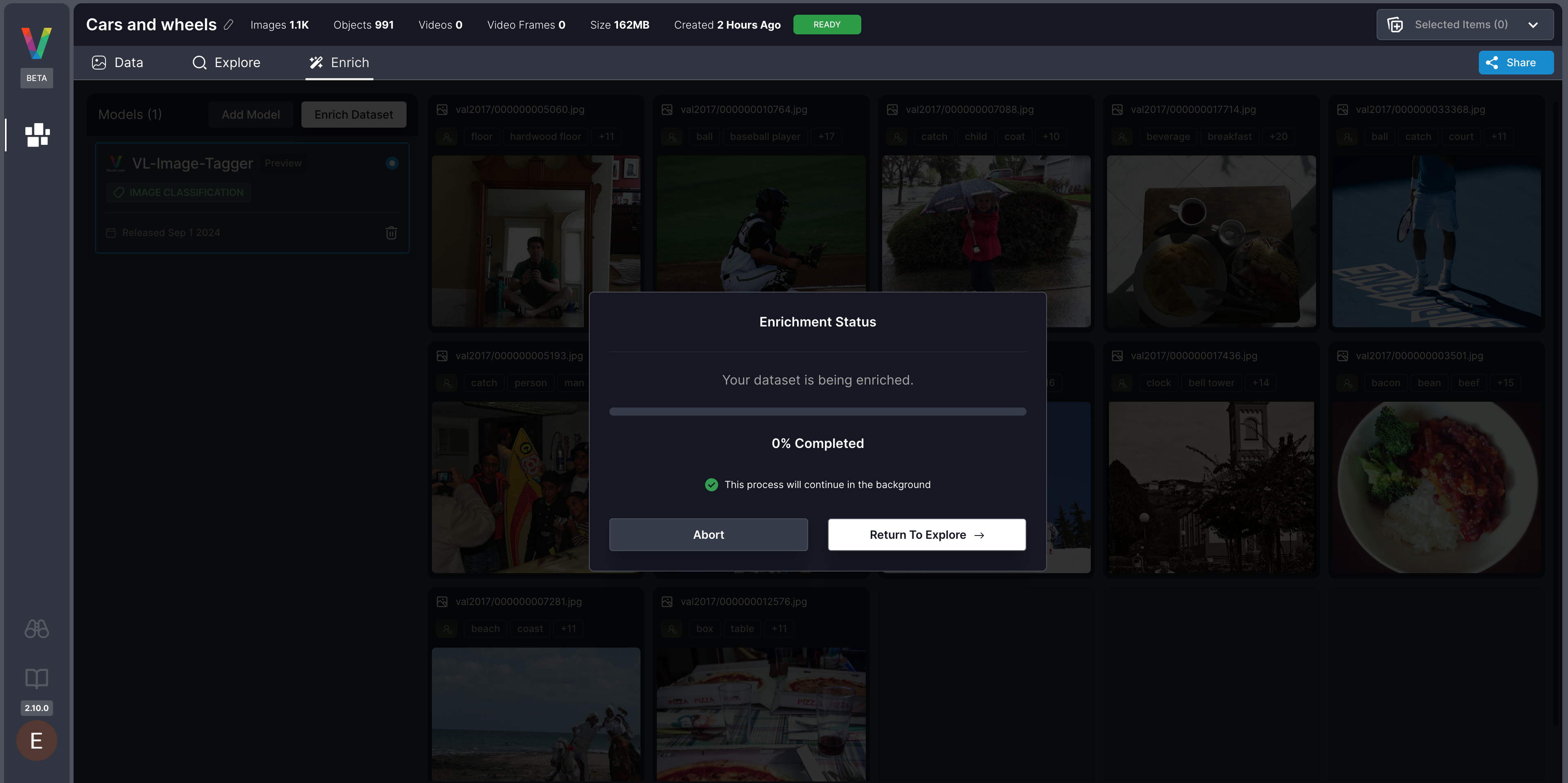
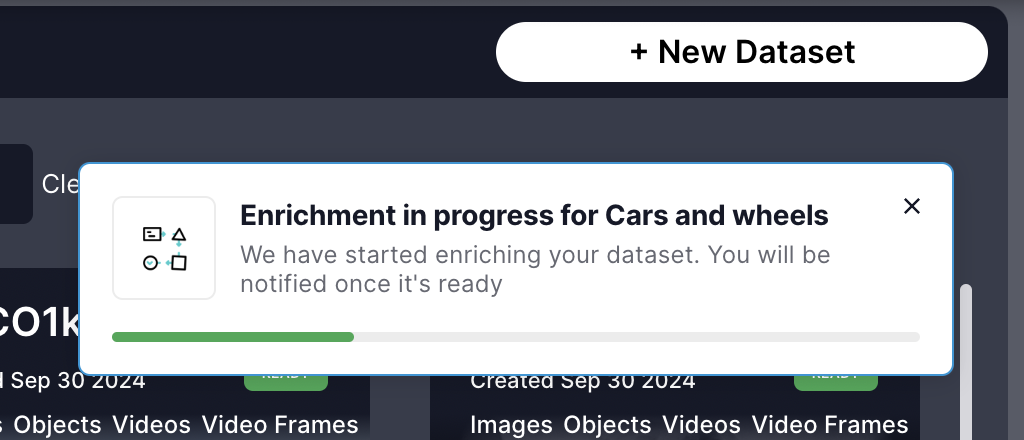
- Enrich tab inside the dataset view
- Notifications panel in the Dataset Inventory
Now, you are ready to explore your enriched dataset here